
Provider Overview
How DNS providers work in DNS Watchdog.
DNS Watchdog connects to your DNS hosting providers to discover zones, sync records, and monitor for security issues.
Supported providers
| Provider | Authentication |
|---|---|
| CSC | API credentials |
| Vercara UltraDNS | Username + Password |
| AWS Route53 | Cross-account IAM Role |
| Microsoft Azure DNS | Service Principal |
| Google Cloud DNS | Service Account JSON |
| Cloudflare | API Token |
Read-only monitoring
DNS Watchdog connects to every provider with read-only access — it discovers zones and syncs records, but never makes changes to your DNS. It detects changes made elsewhere; it does not make them itself.
Adding a provider
- Go to Settings → Providers in the sidebar
- Click Add Provider
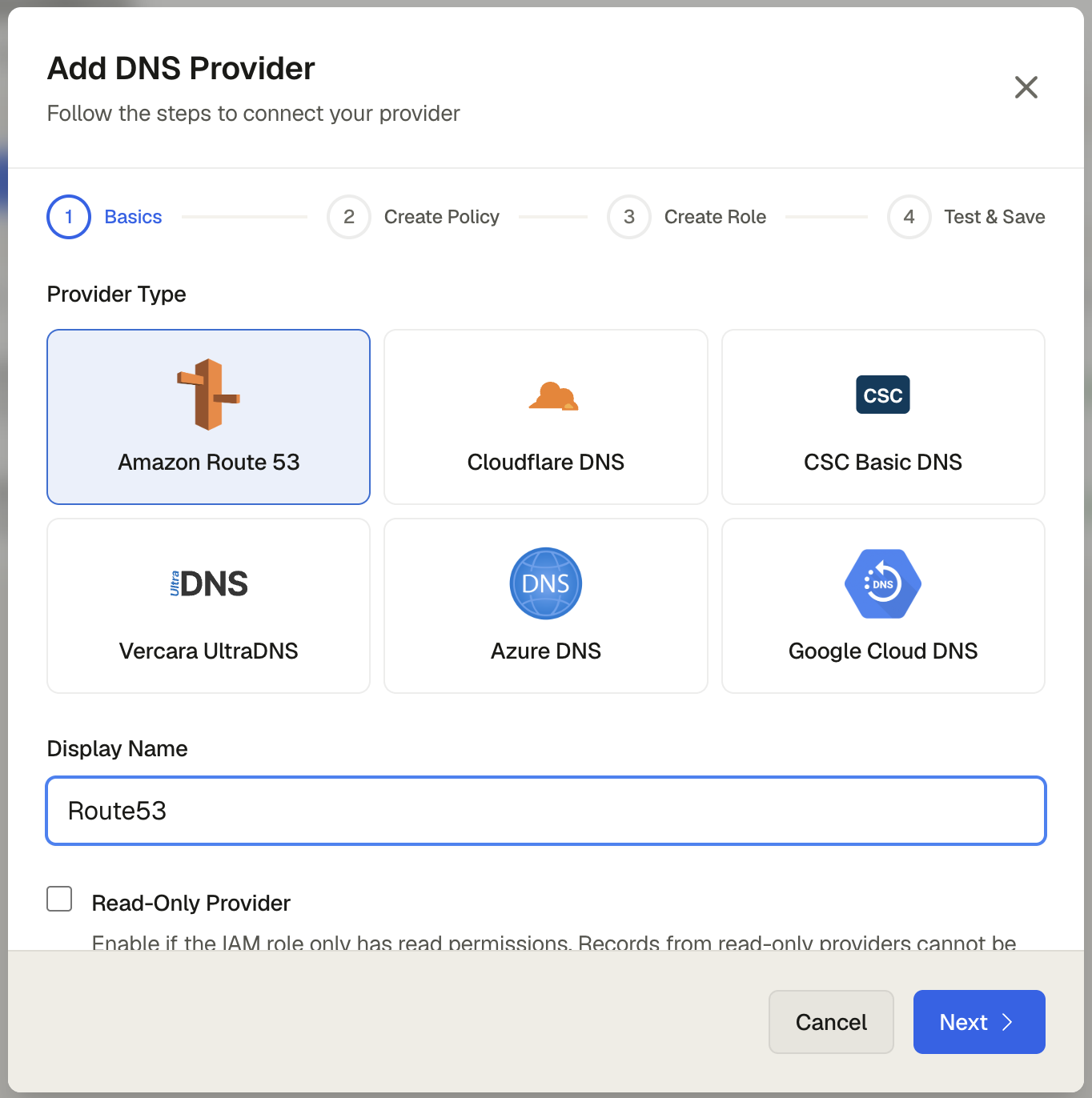
- Select your provider type
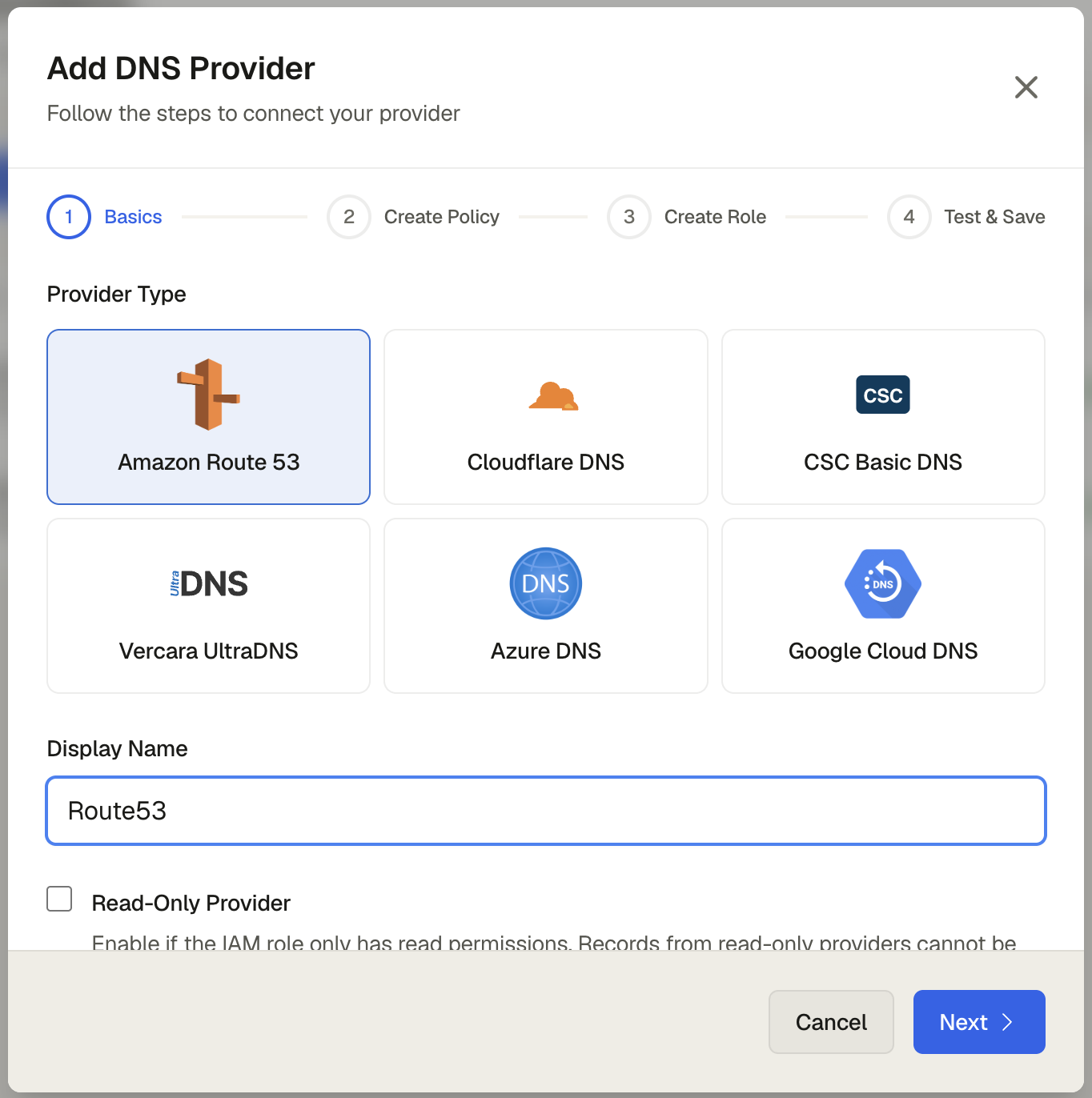
- Enter the required credentials
- Click Save
DNS Watchdog validates the credentials immediately and begins zone discovery automatically.
What happens next
After saving your provider:
- Zone discovery (1–2 minutes) — DNS Watchdog queries the provider API to find all zones under the account
- Record sync (2–5 minutes) — each zone's DNS records are pulled and stored
- Initial scan (varies) — records are scanned for open ports, HTTP behaviour, SSL certificates, and subdomain takeover risks
- Results available — check the Zones page to see discovered zones, and the Issues page for scan results
Notifications are suppressed during the initial sync — the first discovery is treated as baseline data rather than changes.
Credential security
All provider credentials are encrypted at rest. DNS Watchdog requests only the minimum read-only permissions needed to discover zones and sync records.
Zone discovery
After a provider is connected, DNS Watchdog queues a zone discovery job that runs asynchronously. All zones managed by the provider are discovered and synced. You can trigger re-discovery at any time from the Zones page.