
Overview
How DNS Watchdog detects and classifies security issues.
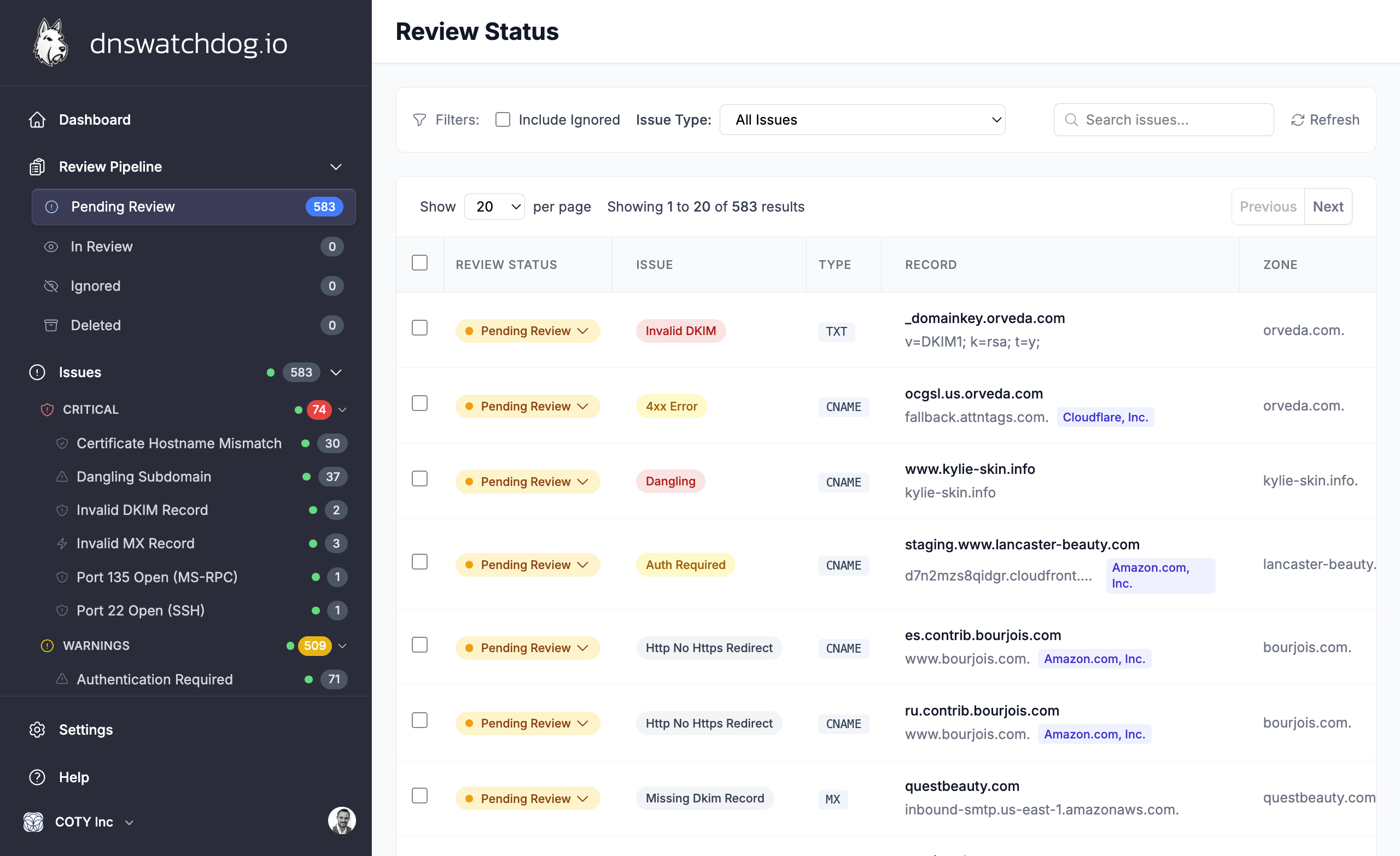
DNS Watchdog continuously scans your DNS infrastructure and raises issues when it detects security risks. Each issue has a type, severity, and review status.
Severity levels
| Severity | Meaning |
|---|---|
| Critical | Immediate action recommended — active security risk |
| Warning | Potential risk that should be reviewed |
| Info | Informational finding for awareness |
Review workflow
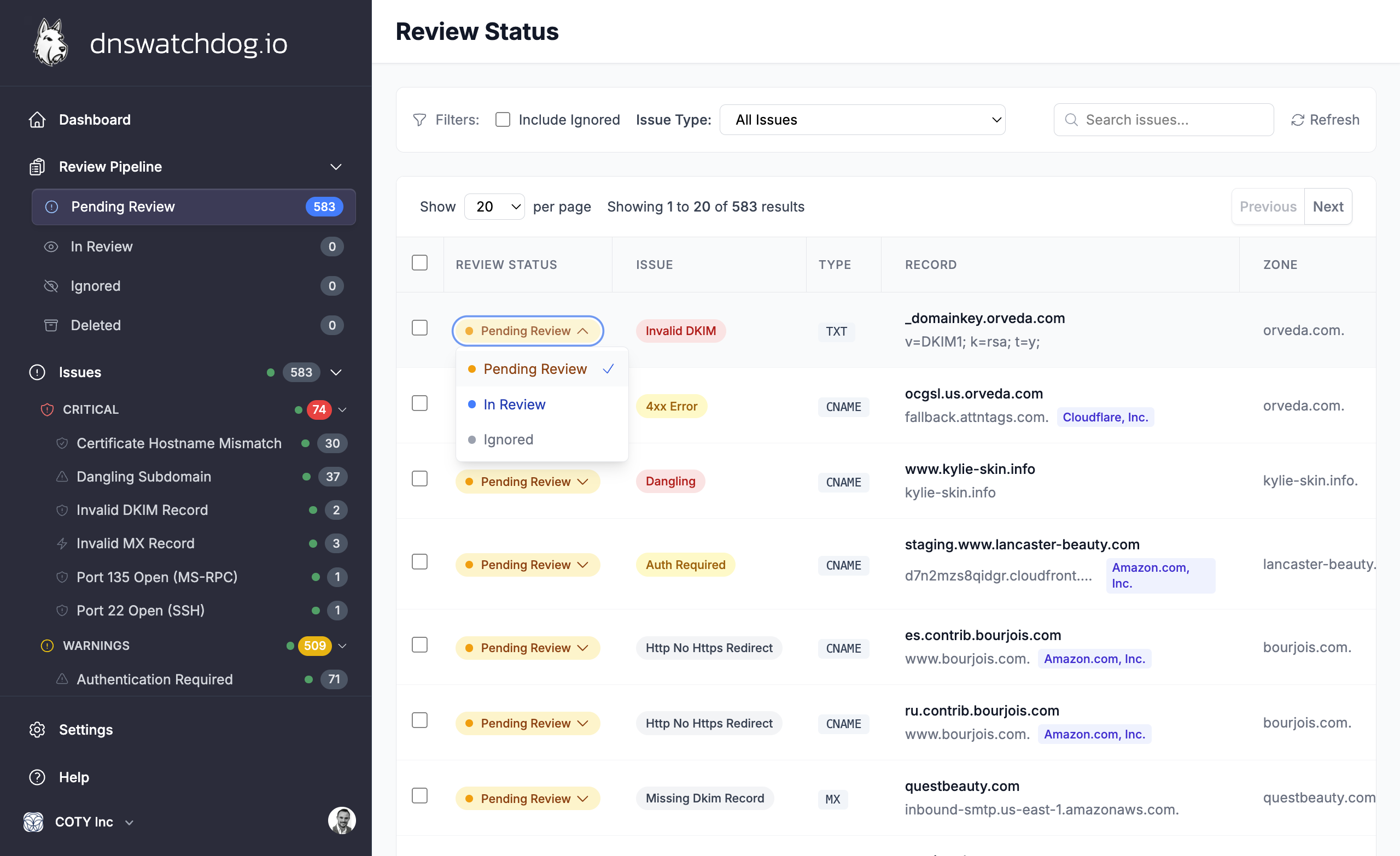
Every issue starts in Needs Review status. From there you can:
- In Review — mark an issue while you investigate
- Ignored — dismiss the issue if it's a known acceptable risk
- Resolved — the underlying condition is no longer detected
Issue categories
DNS Watchdog detects issues across several categories:
- Open Ports — exposed services like databases, remote access, and infrastructure ports
- Certificates — expired, expiring, mismatched, or weak SSL/TLS certificates
- HTTP — connection errors, server errors, weak TLS, and missing HTTPS redirects
- DNS — dangling subdomains, broken delegations, and broken redirects
- Email Authentication — SPF, DKIM, DMARC, MTA-STS, and MX validation issues
Filtering
Use the sidebar or filter controls to narrow issues by:
- Severity (critical, warning, info)
- Issue type (e.g.
dangling_subdomain,certificate_expired) - Review status (needs review, in review, ignored)
- Zone or record
Daily scans
Scans run automatically every day. New issues appear when detected, and resolved issues are cleared when the underlying condition is no longer present.