
Expired Certificate
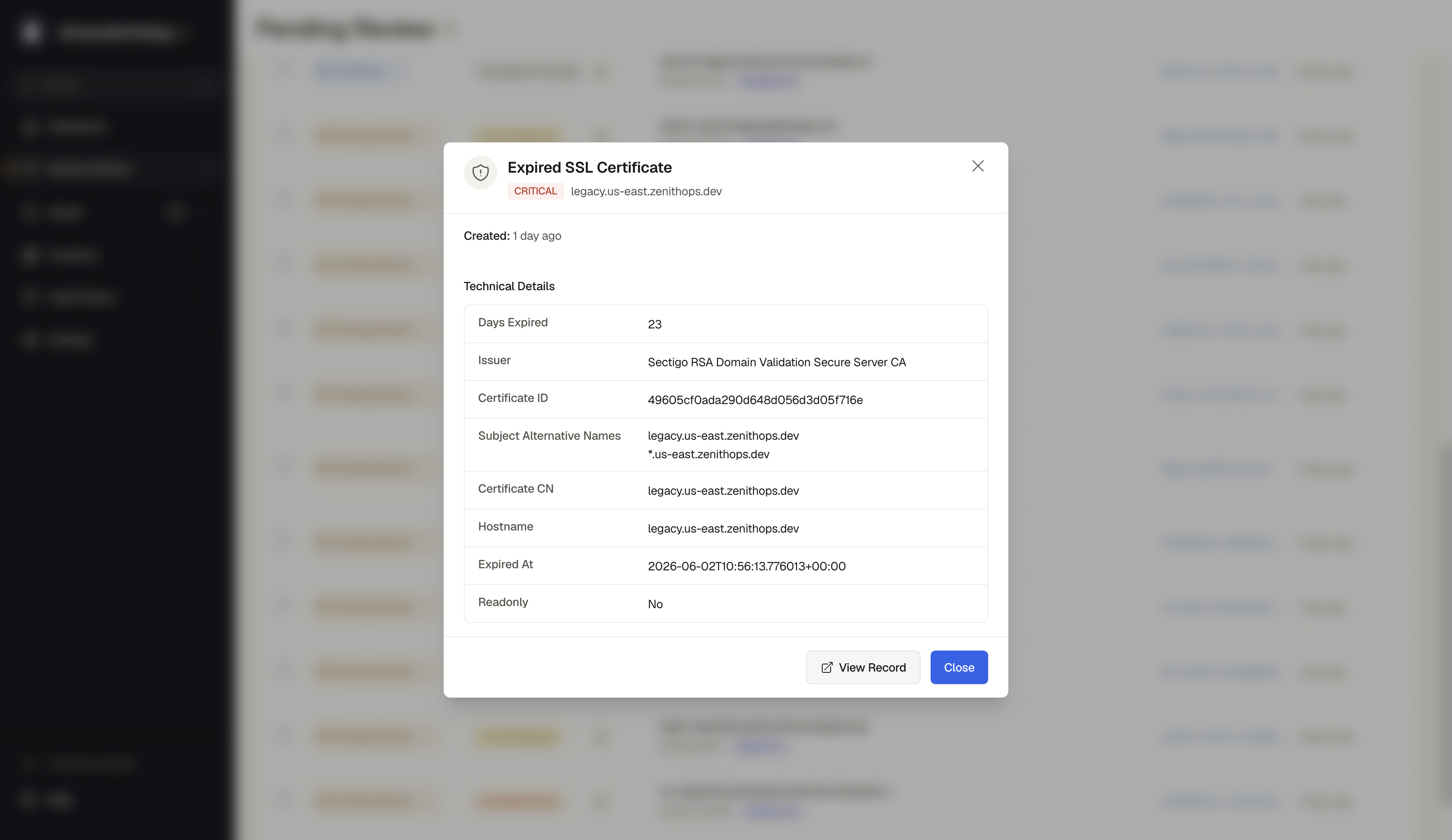
The SSL/TLS certificate has expired.
Severity: High
What does this mean?
Every SSL/TLS certificate has an expiration date. Once that date passes, the certificate is no longer considered valid. Browsers will show a full-page security warning to visitors, and many will refuse to proceed. API clients and automated systems will typically reject the connection entirely.
Why this is a problem
- Visitors see a scary "Your connection is not private" warning and leave
- Automated systems, webhooks, and API integrations will fail
- Search engines may penalize the site in rankings
- It signals that the infrastructure is not being actively maintained, which may indicate other security issues
What you should do
- Renew the certificate immediately through your certificate authority or hosting provider
- Set up automated certificate renewal using tools like Let's Encrypt with certbot
- Configure monitoring alerts to notify you well before certificates expire
- Consider using a managed certificate service (AWS Certificate Manager, Cloudflare, etc.) that handles renewal automatically