
Search
Find records, zones, issues, and other resources across your entire DNS inventory with global search.
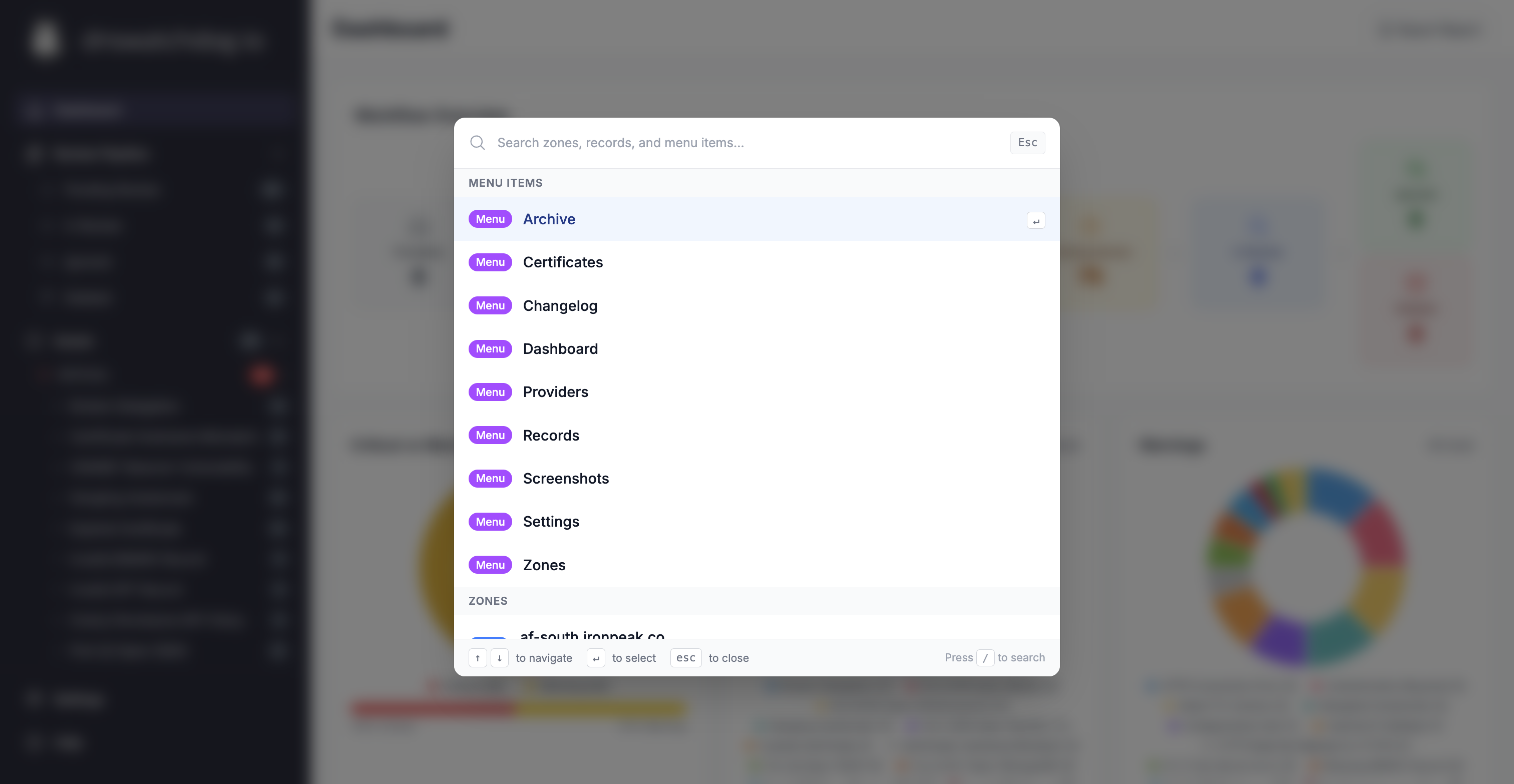
DNS Watchdog includes a global search feature that lets you quickly find any resource across your entire DNS inventory.
How to search
Use the search bar in the top navigation or press ⌘K (Mac) / Ctrl+K (Windows/Linux) to open the search dialog. Start typing to see results instantly.
What you can search for
| Resource | Searchable fields |
|---|---|
| Records | FQDN, hostname, value (IP address, CNAME target, TXT content) |
| Zones | Domain name |
| Certificates | Hostname, common name, issuer |
| IP Addresses | IP address, ISP name |
| Issues | Record name, issue type |
Tips
- Search by partial hostname — typing
stagingfinds all records containing "staging" - Search by IP address to find all records resolving to a specific host
- Search by issue type (e.g.
dangling) to quickly find specific security issues - Results are grouped by resource type for easy scanning