
Provider Configuration
CSC
Connecting CSC as a DNS provider in DNS Watchdog.
Overview
CSC (Corporation Service Company) is an enterprise domain registrar and DNS hosting provider. DNS Watchdog integrates with CSC's API to discover zones and sync records.
Authentication
CSC requires API credentials to connect:
| Field | Description |
|---|---|
| API Key | Your CSC API key |
| API Secret | Your CSC API secret |
Setup
- Obtain API credentials from your CSC account manager or the CSC portal
- In DNS Watchdog, go to Settings → Providers → Add Provider
- Select CSC as the provider type
- Enter your API Key and API Secret
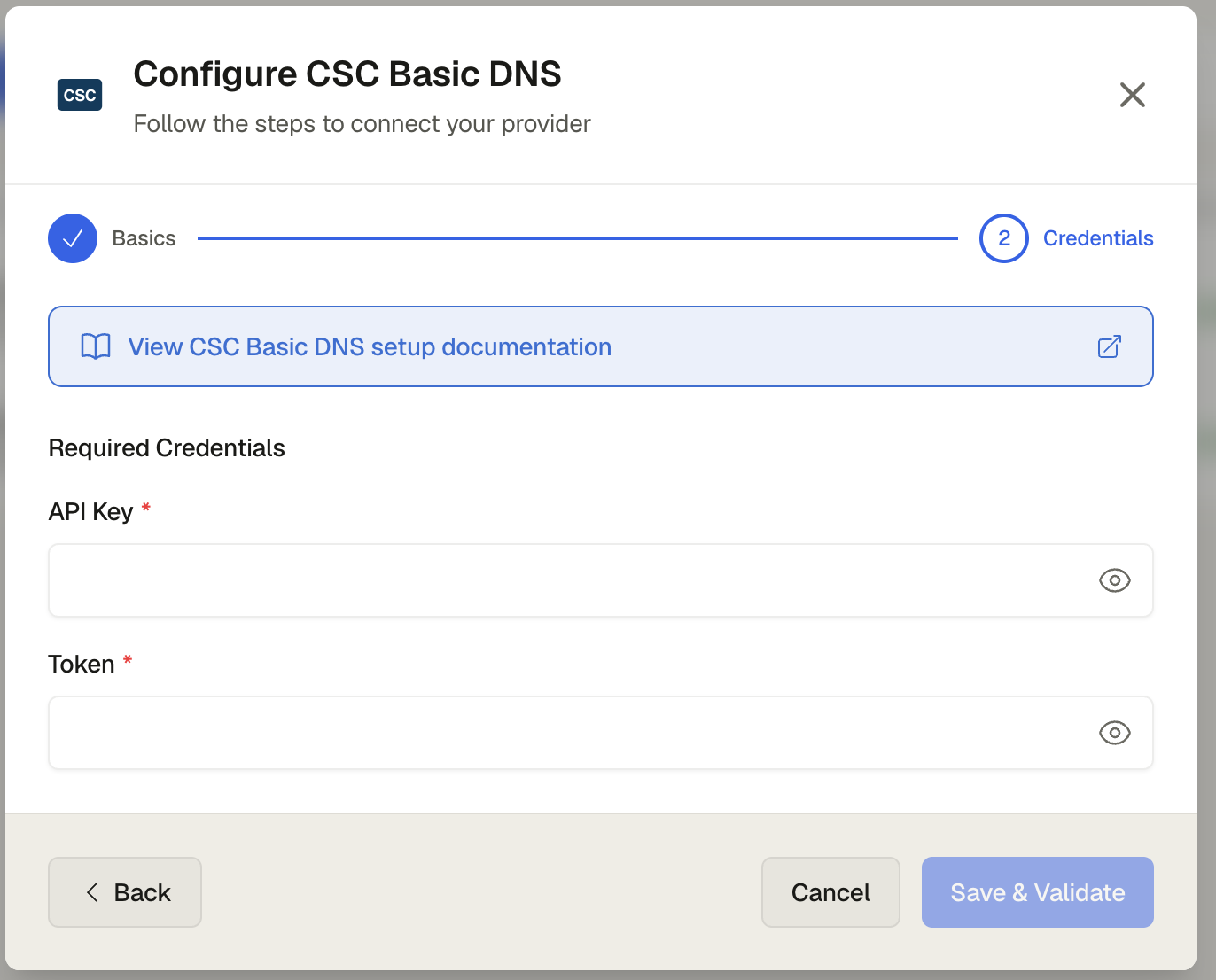
- Click Save
CSC does not provide a public CLI tool. Use the CSC portal or contact your account manager to obtain API credentials, then add them in DNS Watchdog under Settings → Providers → Add Provider.
Permissions
DNS Watchdog needs read-only access — list zones and list records permissions.