
Vercara UltraDNS
Connecting Vercara UltraDNS as a DNS provider in DNS Watchdog.
Overview
Vercara UltraDNS (formerly Neustar UltraDNS) is an enterprise DNS hosting and traffic management platform. DNS Watchdog integrates with the UltraDNS REST API.
Authentication
UltraDNS uses username and password authentication:
| Field | Description |
|---|---|
| Username | Your UltraDNS API username |
| Password | Your UltraDNS API password |
Creating an API User
DNS Watchdog requires an API-only user account in UltraDNS. Follow these steps to create one:
-
Log into the UltraDNS portal and click Accounts in the navigation menu.
-
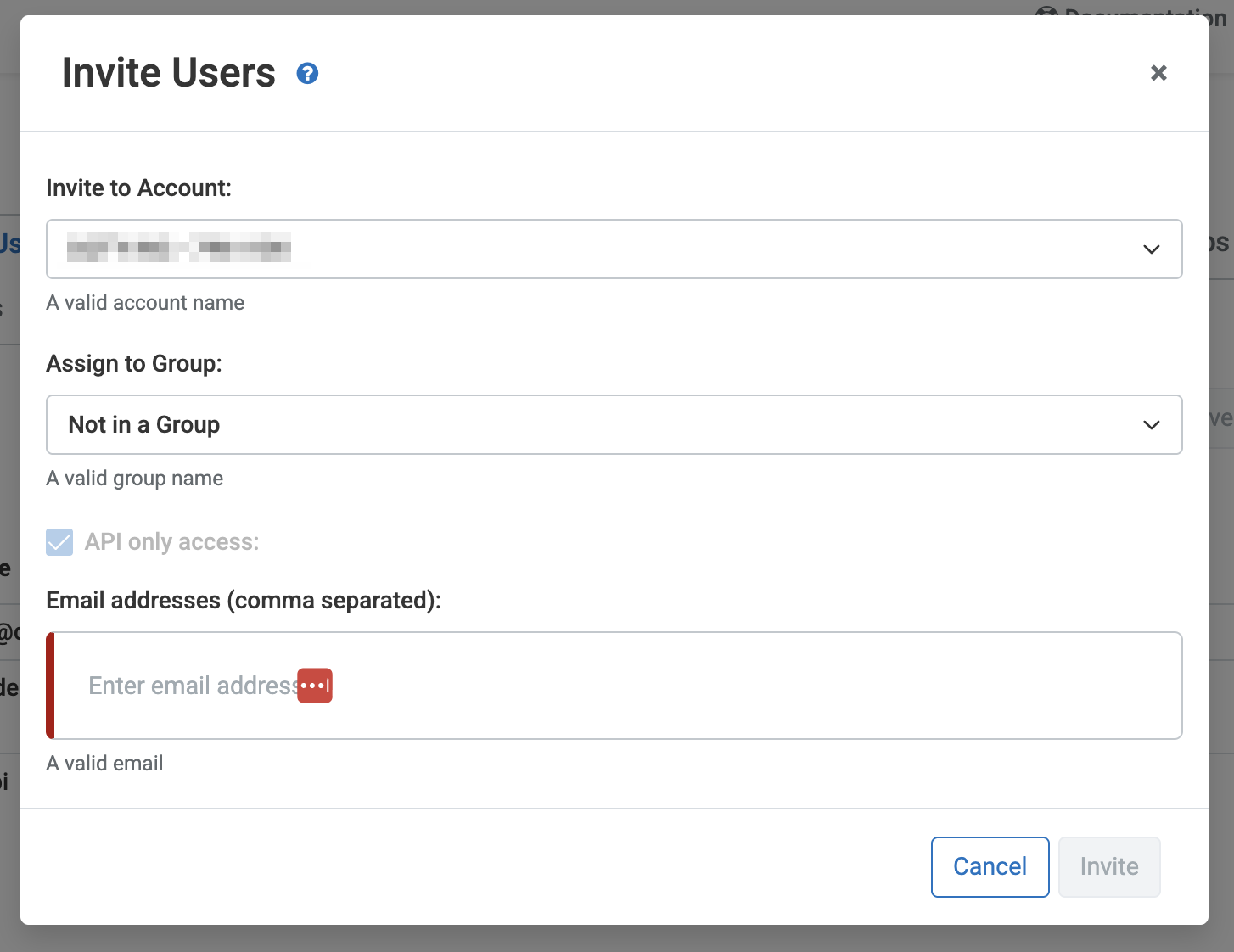
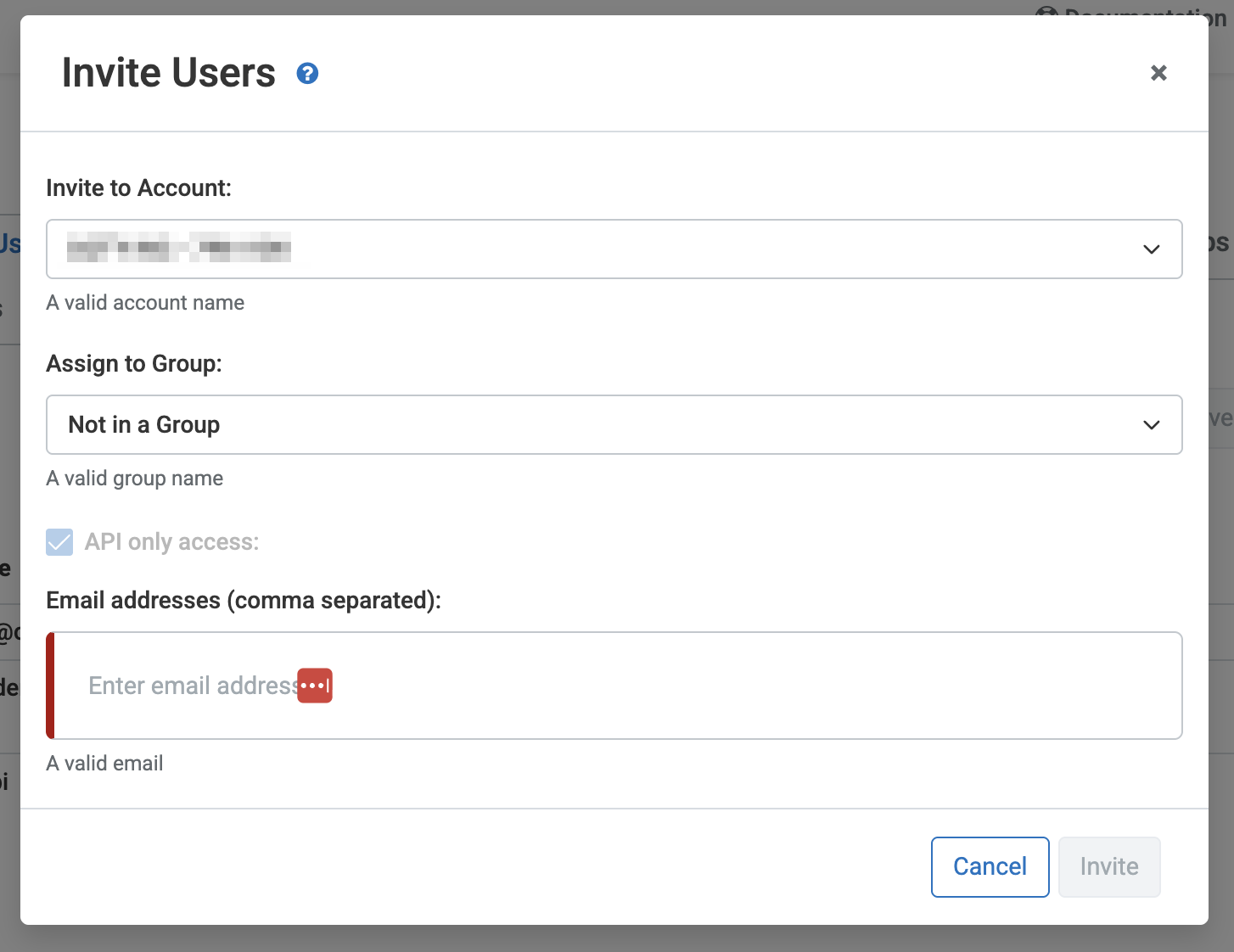
Navigate to Users and click Invite new user. Check the API Only access checkbox and enter the email address for the new user.
-
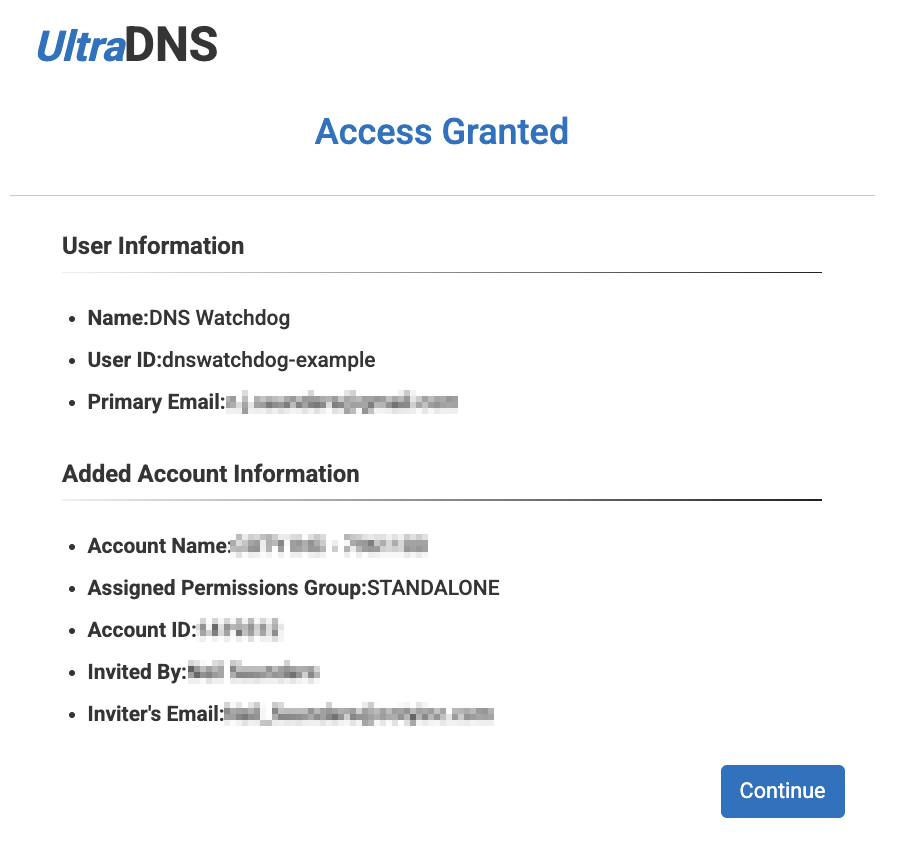
The user will receive a registration email. Click the Complete Registration link in the email.
-
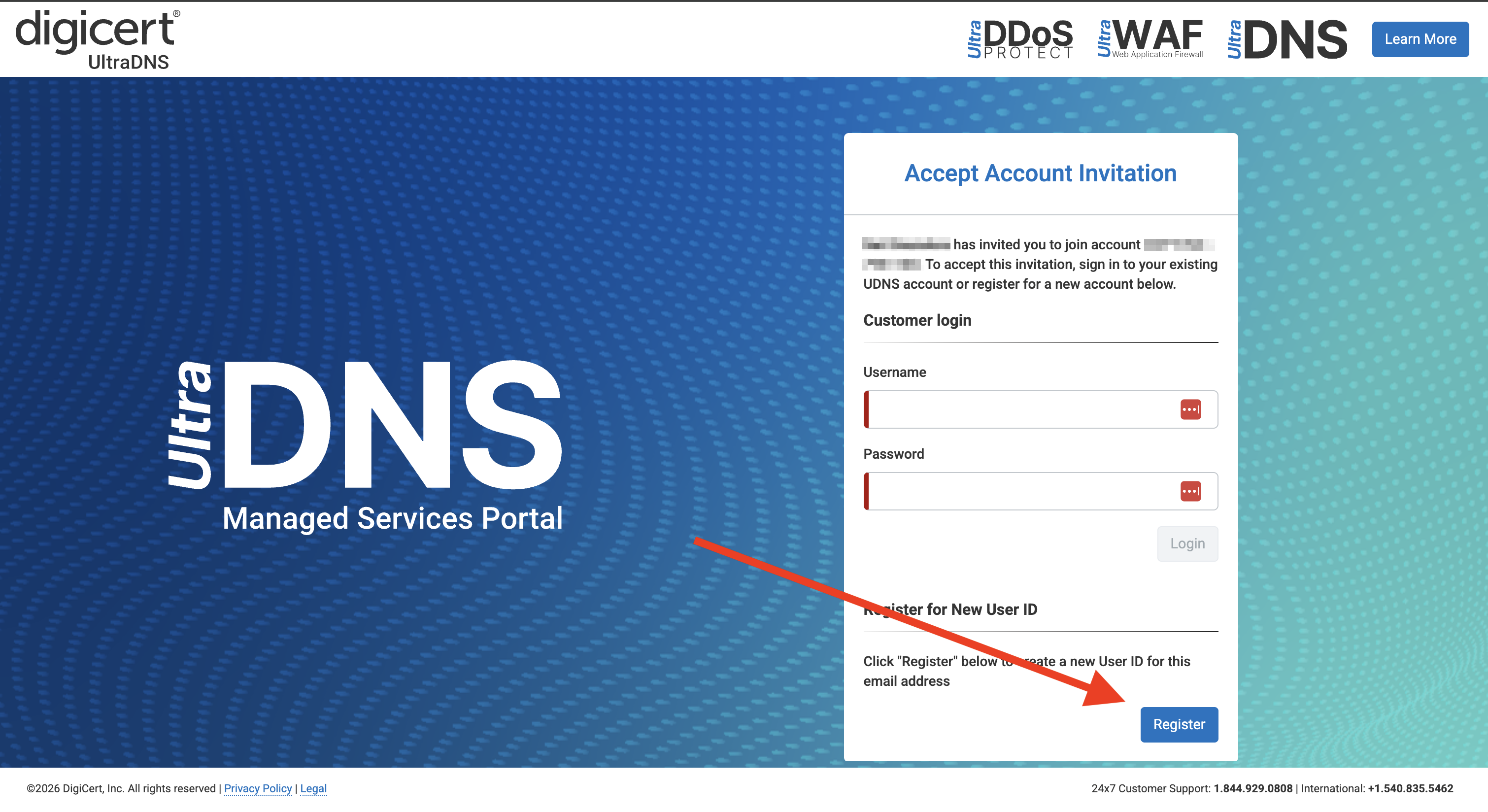
On the registration page, click Register New Account.
-
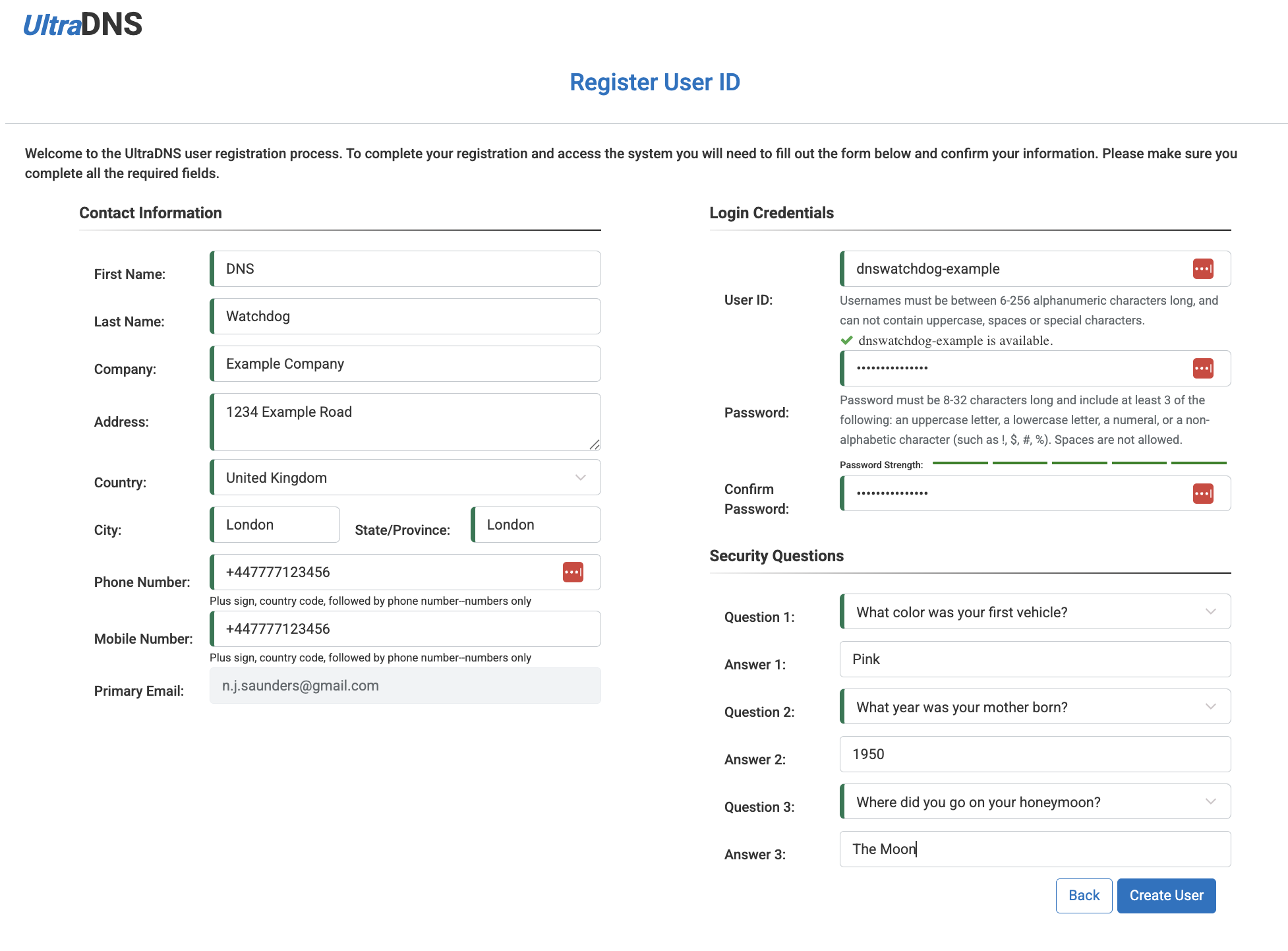
Fill in the registration form. Take note of the User ID and password you set — these are the credentials you will use to connect DNS Watchdog.
-
Once registration is complete, the new user will have API access to your DNS zones.
Setup
- Ensure you have API access enabled on your UltraDNS account
- In DNS Watchdog, go to Settings → Providers → Add Provider
- Select Vercara UltraDNS as the provider type
- Enter your username and password
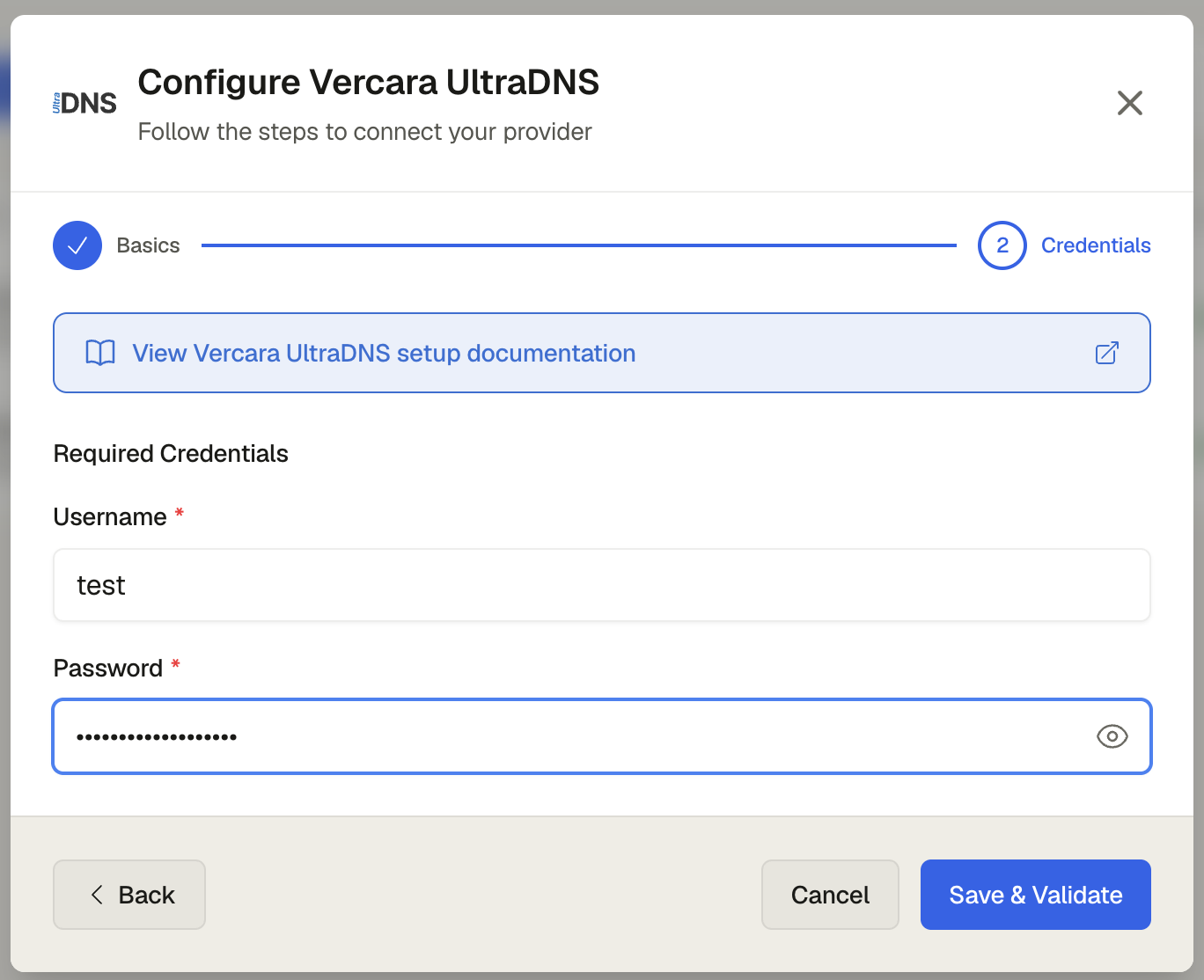
- Click Save
# Authenticate with UltraDNS API
curl -X POST "https://api.ultradns.com/authorization/token" \
  -d "grant_type=password&username=<USERNAME>&password=<PASSWORD>"

# Verify access by listing zones
curl -H "Authorization: Bearer <TOKEN>" \
  "https://api.ultradns.com/zones"
Once verified, add your credentials in DNS Watchdog under Settings → Providers → Add Provider.
Permissions
DNS Watchdog needs read-only access — permissions to list zones and records.